Short onboarding steps
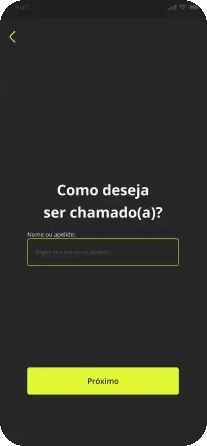
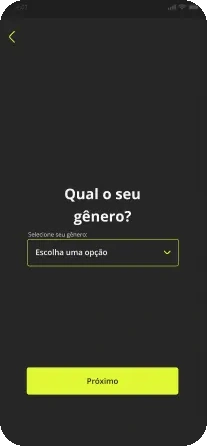
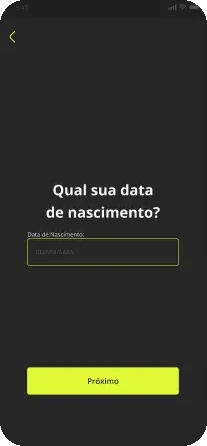
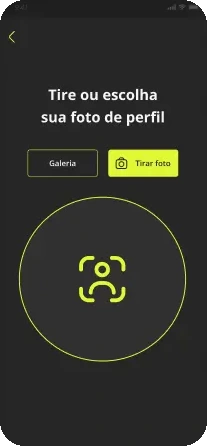
One decision per screen and conversational copy introduce the product before sign-up. People can skip the introduction and move at their own pace.
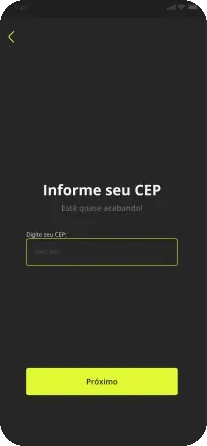
Scroll to explore. Select a screen to enlarge.
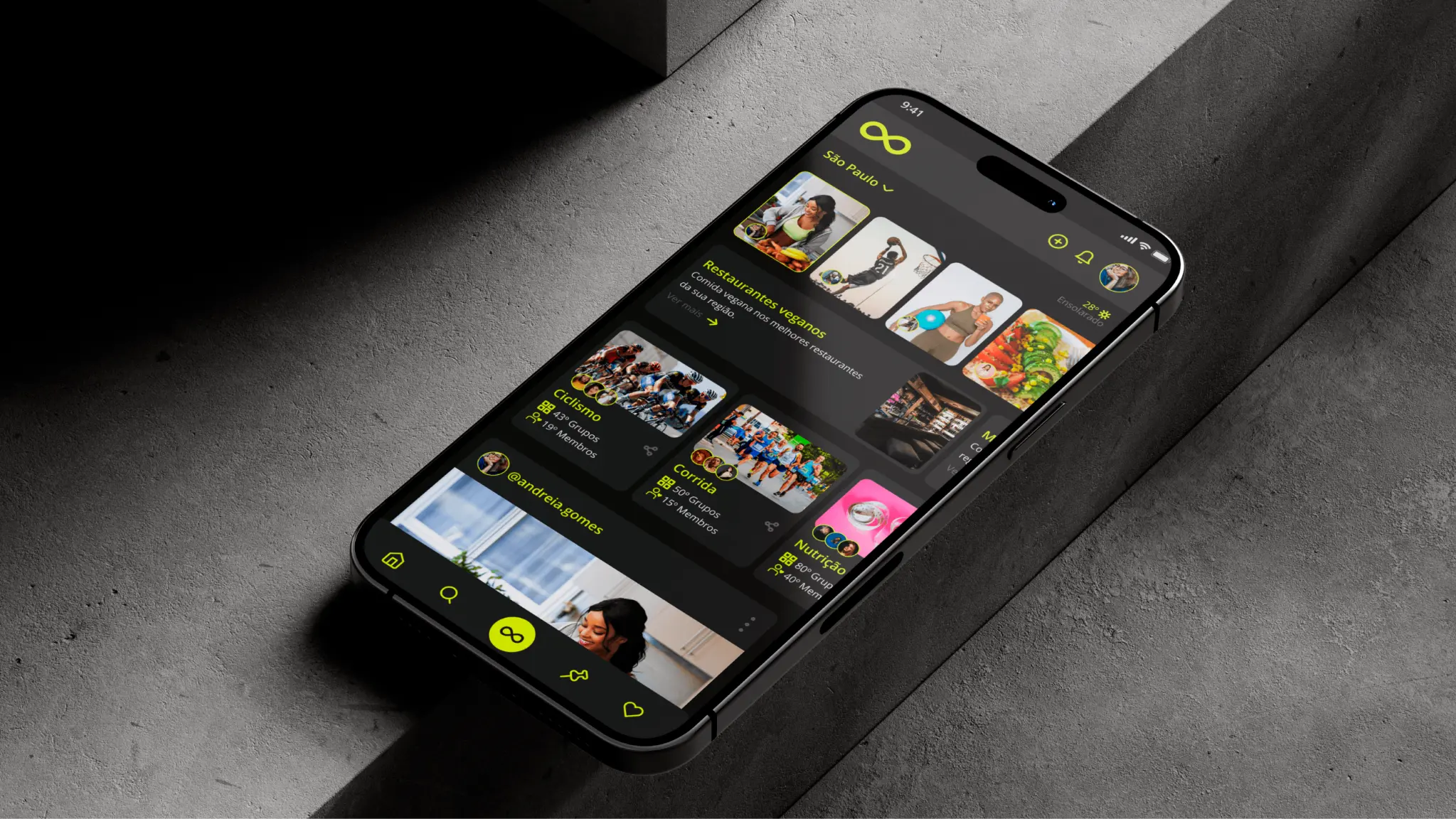
CASE 02 / CONCEPTUAL UX/UI PROJECT
A healthy routine does not happen in a single app. Gooday connects habits, places and people through one well-being experience.
Well-being habits often end up scattered across apps, groups and local services. The Gooday concept brings these pieces together around one idea: making it easier to live well with other people and in your local context.
The experience is organized around four pillars: Live Well, Train Well, Eat Well and Share, connecting activities, places and community.
One decision per screen and conversational copy introduce the product before sign-up. People can skip the introduction and move at their own pace.
Scroll to explore. Select a screen to enlarge.
Search across places, groups and people, with local information and favorites, helps turn an intention into an activity people can take part in.
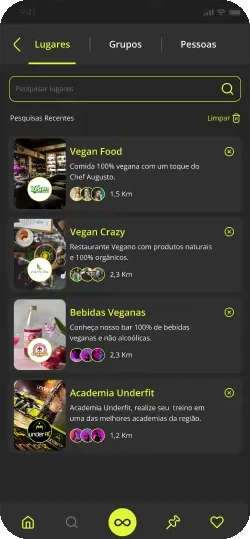
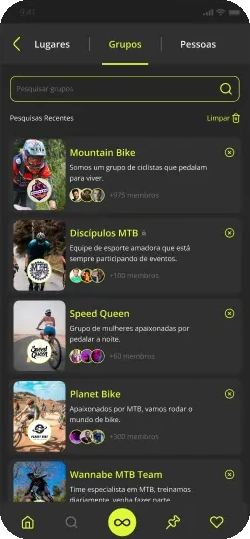
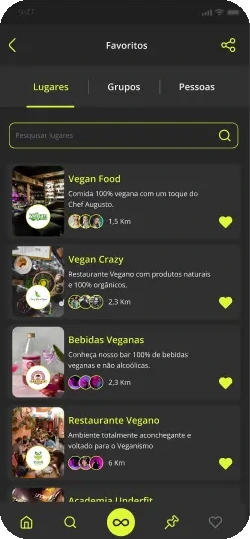
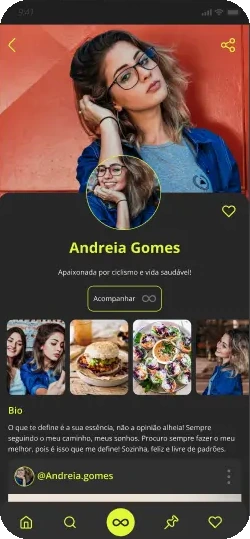
Scroll to explore. Select a screen to enlarge.
The proposed flow verifies presence with a QR code before a review, followed by a rating, comment and submission confirmation. This experience hypothesis still needs testing.
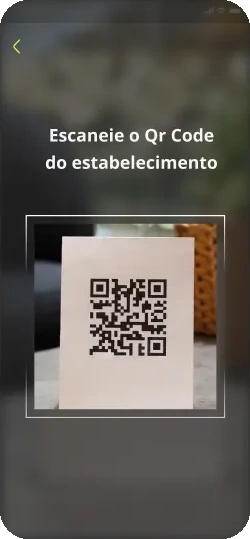
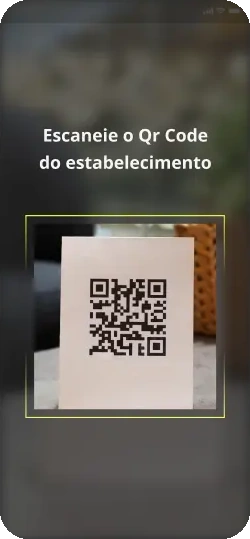
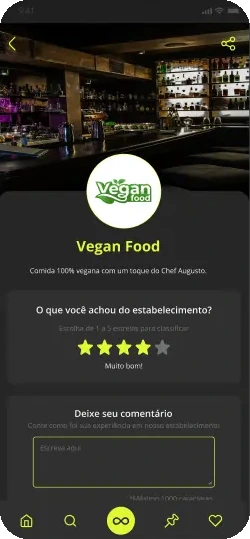
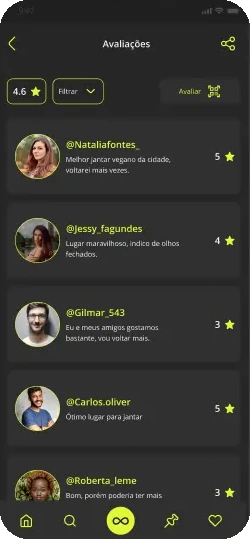
Scroll to explore. Select a screen to enlarge.
To keep the journeys consistent, I organized color scales, type hierarchy, components with variants and an illustration library. The system supports the concept's screens and flows.
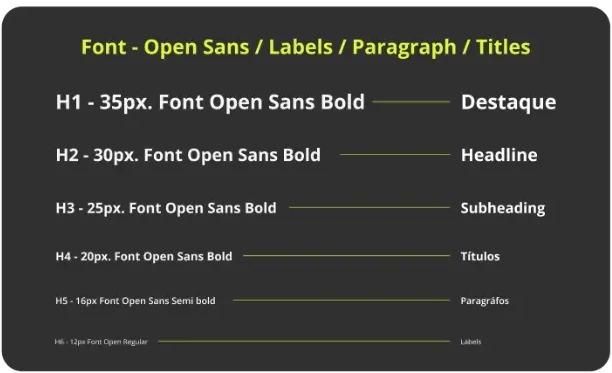

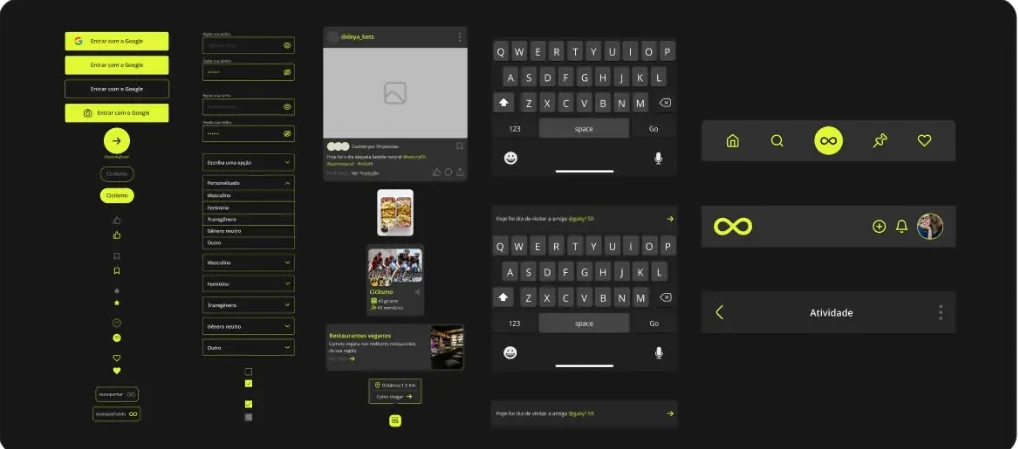
The concept still needs to be evaluated with users. Next steps are to test sign-up and QR review, review contrast and touch target sizes, and prepare component handoff documentation.
This is a concept project; there are no impact metrics from a launched product.
View the full case study on BehanceExplore the interactive flow in the Figma prototype.
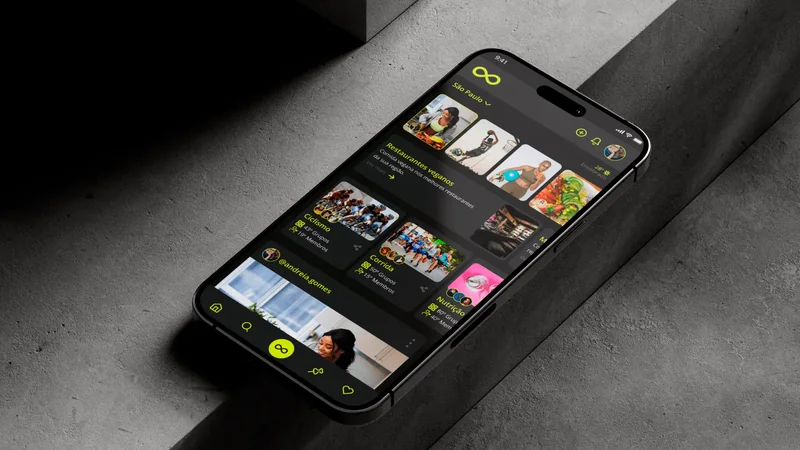
The deliverable brings together 62 screens, 16 flows and 46 components and variants in one navigable concept. These figures describe the scope of the design, rather than user impact.
My main learning was to connect discovery, participation and trust through consistent interaction patterns. Testing sign-up and QR reviews with 3 to 5 people is the next step; that study has not taken place yet.